Software built for community organisations
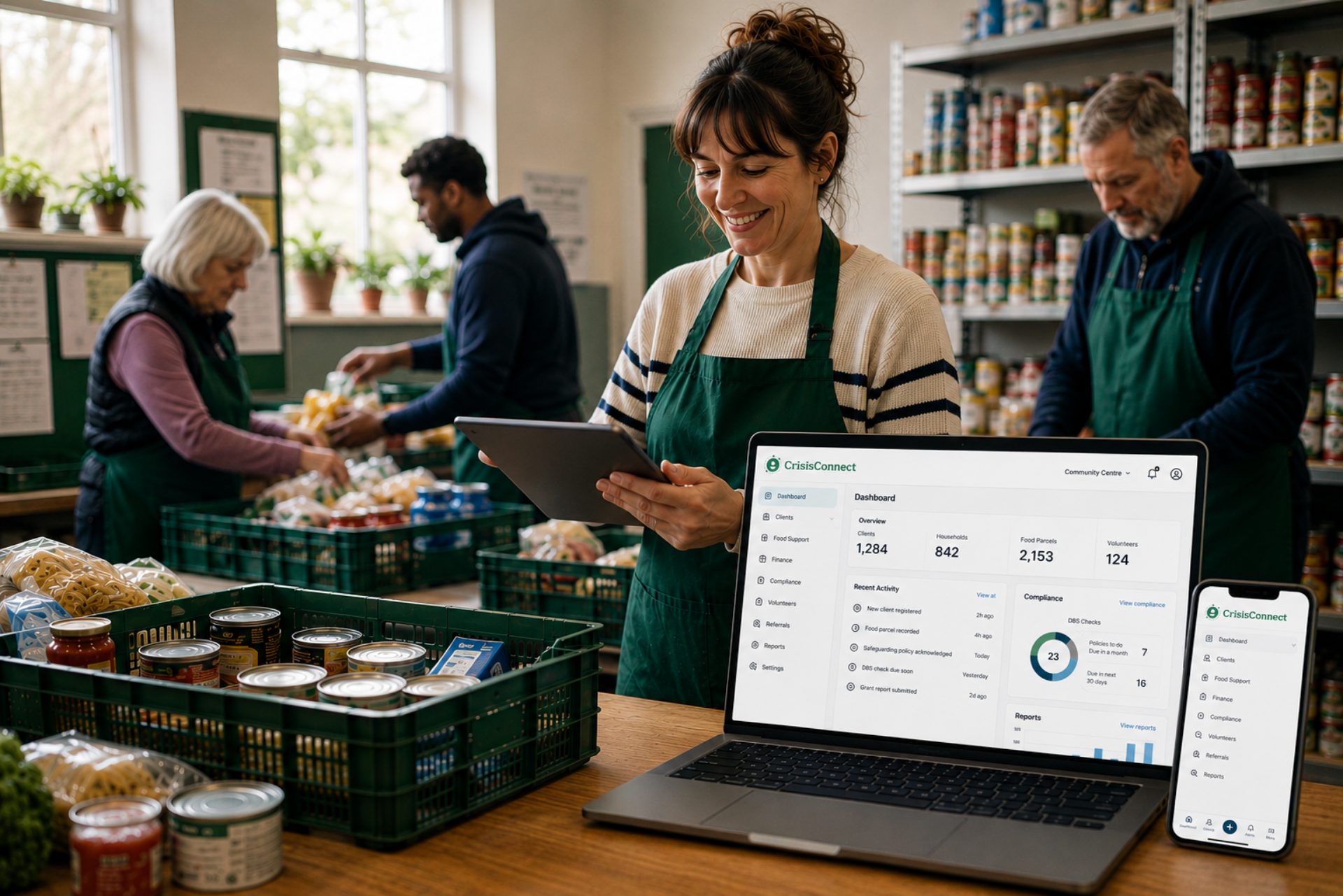
Chasing a DBS renewal. Rebuilding the same funder report. Copying a sign-in sheet into a spreadsheet, again. CrisisConnect brings everything your organisation runs on into one place.
Already running in real community organisations — not a prototype.
Start with the headache, not the software
You don't need to know which module you need. Start with the thing that's taking too much time.
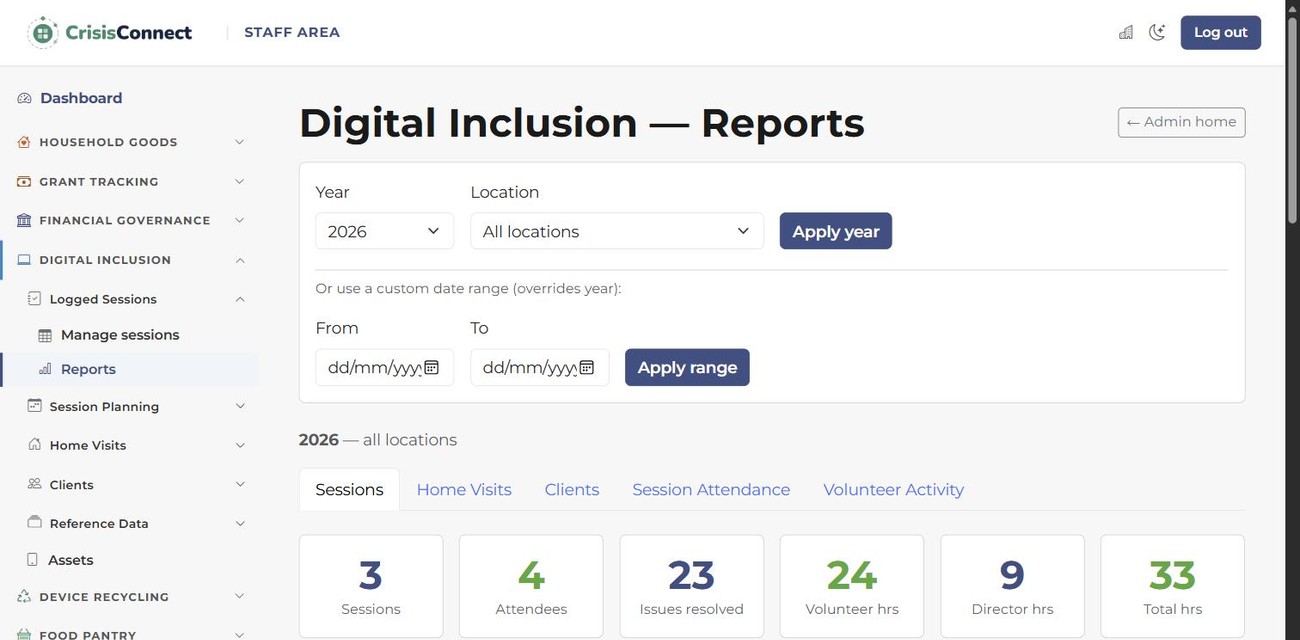
Keep service records, attendance, people and outcomes together — without copying the same information from one sheet to another.
See how CrisisConnect helps →Keep volunteer records, hours, DBS checks, safeguarding and availability in one place, with the important dates surfaced for you.
Explore volunteer management →Capture the evidence while you deliver the service, so reporting comes from the work you've already recorded — not spreadsheet archaeology.
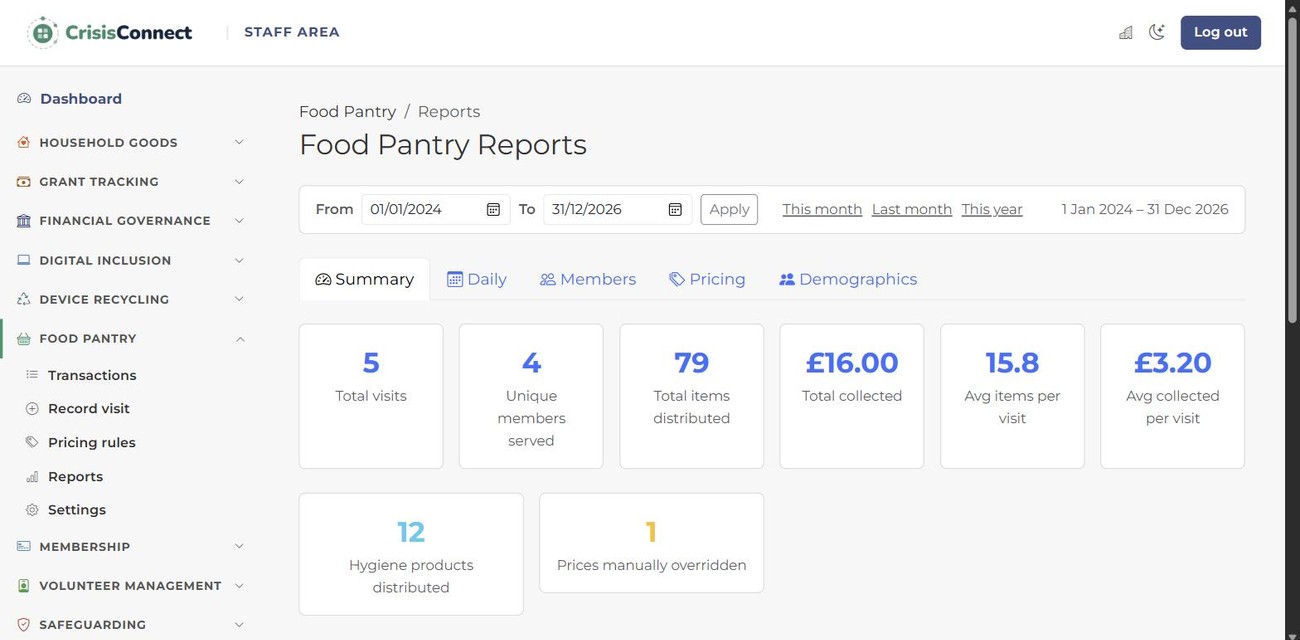
See activity become a report →Manage households, visits, stock, eligibility, communications and reporting in a system built from a real community pantry.
Explore foodConnect →Bring grants, finance controls, safeguarding, GDPR and compliance out of separate files and into an auditable operational record.
Explore governance tools →Make consent-led referrals, track outcomes and understand demand across your local network without building another parallel process.
Explore networkConnect →The idea is simple
Your operational data shouldn't live in one spreadsheet while your funder figures, volunteer records and service outcomes live in three more. CrisisConnect keeps the work connected so the information you capture while delivering a service can become the evidence you need later.
Built beyond the individual organisation
CrisisConnect starts with each organisation’s operational records. Participating organisations can choose to collaborate across the separate community Network. Aggregated measures may inform local insight where participation and safeguards support it; coverage and interpretation matter.
Run day-to-day services and create the operational record as the work happens.
Refer people, find resources, share available stock and work with other organisations.
Aggregate appropriate anonymised measures across participating tenants to understand regional trends and, where coverage supports it, the wider picture.
Don't take our word for it
digiConnect began with one very ordinary problem: the information needed for reporting was already being captured — just in all the wrong places.

In production · pantry system
The Breadshed at New Pasture Lane Community Centre has run on the original version of our pantry system since it opened in February 2025, and its figures are now reported through foodConnect. There was no legacy pile of paper to migrate and no reporting spreadsheet to bolt on later: the operational record was part of the service from the start.

Built by people who do this work
CrisisConnect started inside a digital inclusion non-profit because the software we needed didn't exist. We had the sign-in sheets, volunteer admin, home visits and funder reports — so we built the thing we wanted to use.
Real organisation · daily use
See how Lets Tech Together uses CrisisConnect every day across digital inclusion, home visits, device recycling, PAT testing, grants, volunteers, safeguarding and donated equipment.
When you need more
CrisisConnect is made up of specialist tools that work together. Start with the part of your organisation causing the biggest headache and add more when you need them.
Members, households, communications and the people your services support.
Sessions, food provision, events, home goods and day-to-day service delivery.
Volunteers, DBS, safeguarding, incidents, hours and acknowledgements.
Grants, finance controls, donors, GDPR, compliance and evidence.
Devices, PAT testing, donated goods, stock and warehousing.
Built into CrisisConnect · networkConnect
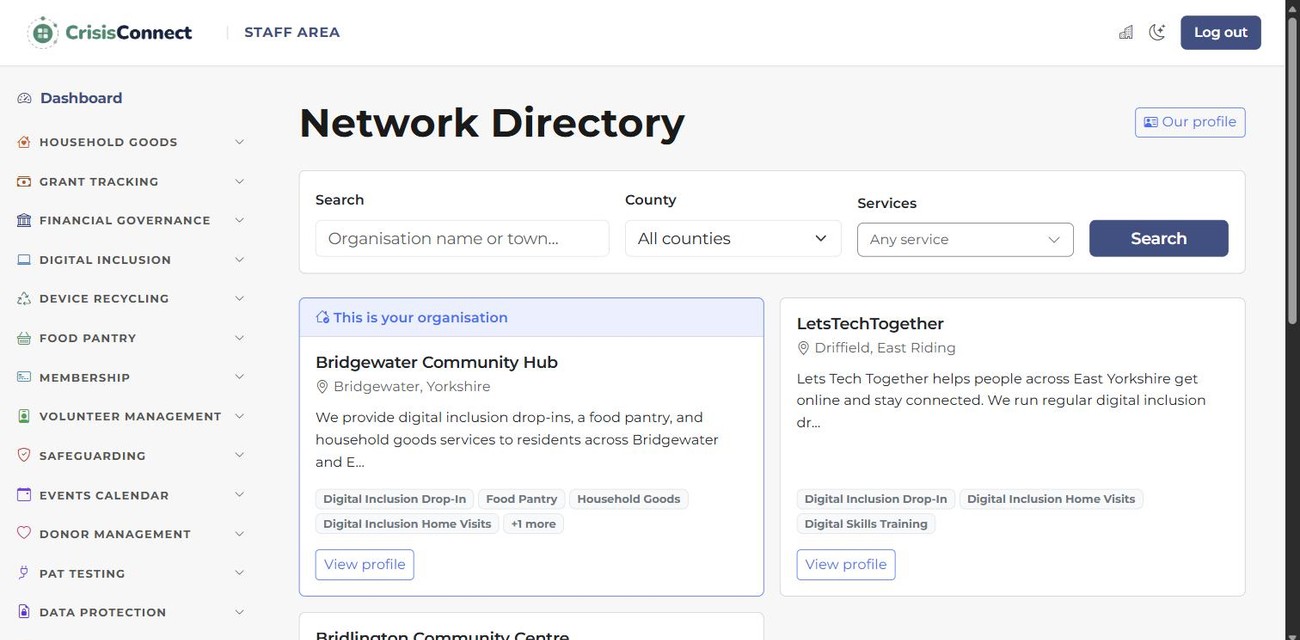
CrisisConnect helps you run your organisation. The networkConnect module is the connection layer that helps organisations work together. Search resources available across the network, share what you have available, and refer people directly to another organisation for support.
Don't ring around to find out who has one. Search stock available across the network, find what's needed and request it from the organisation holding it.
Search → find → requestList available donated goods once — cots, beds, white goods, clothing, devices or other resources — and make them visible to organisations across the network.
List once → share across the networkFind the right organisation and make a direct, consent-led referral. No sending someone away with another telephone number and hoping they make the call.
Find → refer → trackThe connective tissue
Because networkConnect is part of CrisisConnect, organisations can coordinate around the same real-world needs while keeping their own operational data and services under control.
See how networkConnect works →
As participating organisations coordinate support, anonymised regional insight can help show demand, provision and gaps across an area — useful to networks, funders and local authorities without making that complexity part of the day-to-day workflow.
Start with the thing hurting most
Start with the part of your organisation causing the biggest headache. You only add what you need, and we'll help you work out the smallest useful setup.
Your first hour with CrisisConnect
Show us how you work today. We'll identify the smallest useful setup, help with existing data where needed, and get your team started without a long implementation project.
Show us the spreadsheet, paper process or admin headache you're trying to get rid of.
We'll map that need to the smallest useful CrisisConnect setup — not sell you everything.
Add locations, categories and staff accounts. If you have existing data to import, we can help.
Your team records the work as it happens. The useful reporting comes with it.
Bring your horrible spreadsheet
Bring the spreadsheet, paper process or awkward workflow. We'll map it to the smallest useful CrisisConnect setup and show you what the move could look like.